
 Apple
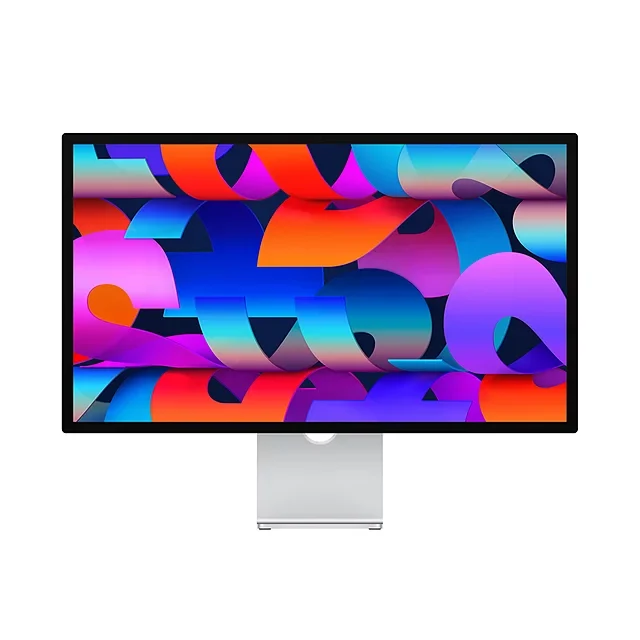
AppleApple Studio Display 27″ Standard Glass 5K Retina Display
BDT 258,990BDT 285,990

4 products
Apple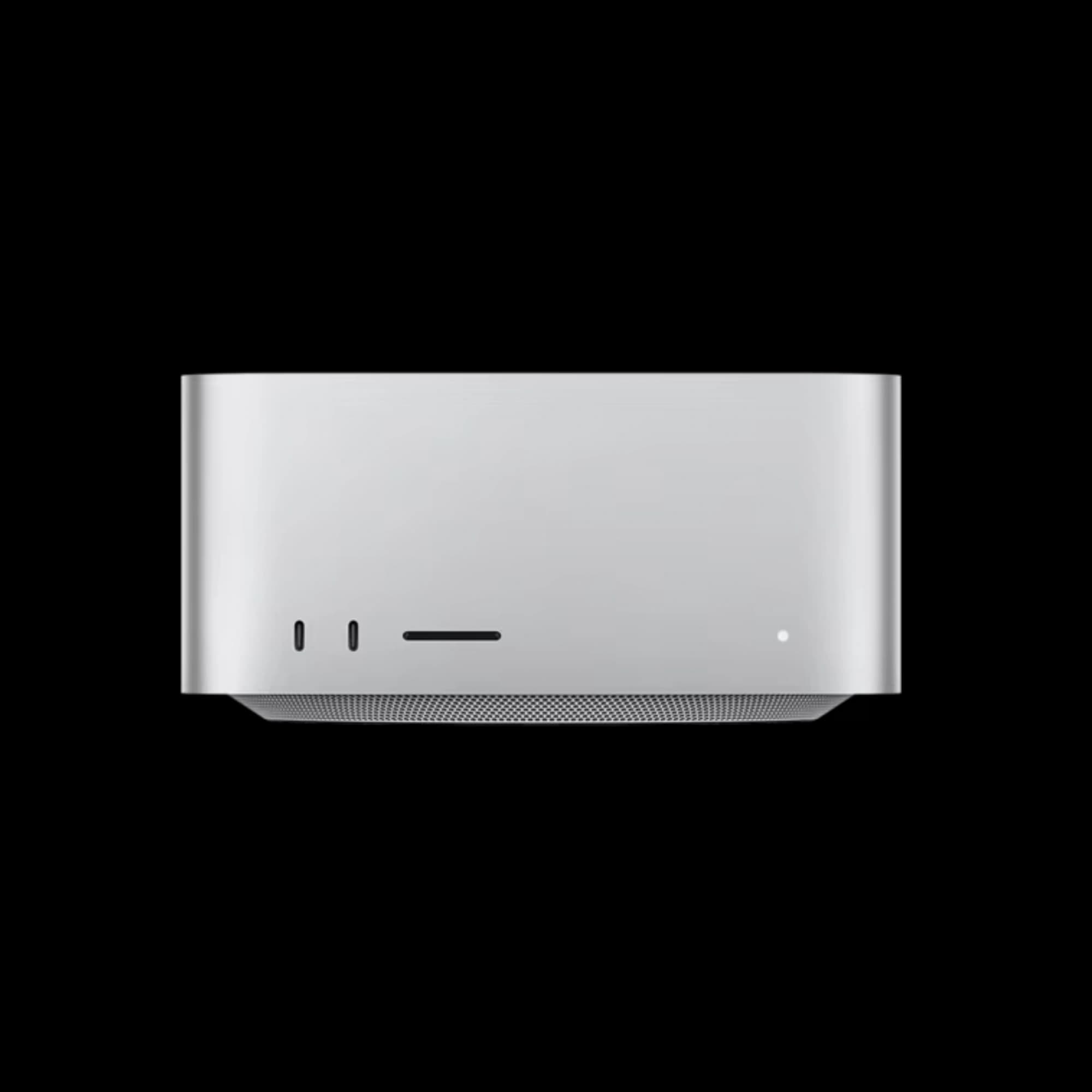 AppleAppleApple
Looking for the Apple Mac Studio price in Bangladesh? iUSER brings Apple's high-performance desktop workstation lineup to customers who need more power than a regular Mac mini or MacBook.
The latest Mac Studio M5 Max and Mac Studio M5 Ultra are designed for demanding professional workloads such as video editing, 3D rendering, AI development, software development, VFX, animation, music production and large creative projects.
Unlike a MacBook, Mac Studio is designed as a powerful desktop workstation. You connect your own monitor, keyboard, mouse and other accessories to create a professional setup around the machine.
Whether you are a professional editor, developer, designer, engineer, AI researcher or creative studio, choosing the right Mac Studio configuration depends mainly on the workload, memory and storage you need.
The Mac Studio price in Bangladesh varies depending on the Apple Silicon chip, CPU/GPU configuration, unified memory and SSD storage.
iUSER currently lists these Mac Studio configurations:
Mac Studio ModelConfigurationiUSER PriceMac Studio M5 Max36GB / 512GB৳449,990Mac Studio M5 Ultra30-core CPU / 64-core GPU / 96GB / 1TB৳999,000
The listed prices can change depending on configuration, stock and promotional offers. iUSER currently shows the M5 Max at ৳449,990 and M5 Ultra at ৳999,000.
The Mac Studio M5 Max is designed for professionals who need workstation-level performance while still wanting a relatively compact desktop.
At iUSER, the Mac Studio M5 Max 36GB/512GB is currently listed at ৳449,990, reduced from a listed previous price of ৳499,990.
The M5 Max is a strong choice for users working with demanding applications every day.
Professional video editing
4K and high-resolution video production
3D rendering
Motion graphics
Graphic design
Professional photography
Software development
AI development
Music production
Game development
Engineering applications
Large creative projects
If you need serious performance but don't need the extreme memory capacity of the Ultra configuration, M5 Max offers a more balanced professional workstation.
The Mac Studio M5 Ultra is designed for users who want Apple's highest level of desktop performance.
iUSER currently lists the Mac Studio M5 Ultra with 30-core CPU, 64-core GPU, 96GB unified memory and 1TB storage at ৳999,000, with a listed previous price of ৳1,299,990.
This class of Mac Studio is aimed at professionals whose workloads require substantial processing power and memory.
Advanced AI development
Large local AI workloads
Professional video production
3D rendering
VFX
Animation
Scientific workloads
Engineering
Data-intensive applications
Large software projects
Professional creative studios
For normal office work, browsing, education or basic content creation, M5 Ultra is far more powerful than necessary. Its real advantage appears when the workload can take advantage of high CPU, GPU and memory capacity.
Choosing between M5 Max and M5 Ultra should be based on the applications you use rather than simply choosing the more expensive model.
FeatureMac Studio M5 MaxMac Studio M5 UltraTarget userProfessionalHigh-end professionalVideo editingExcellentExtreme workloads3D renderingExcellentExcellent for demanding projectsAI developmentExcellentBetter for large workloadsSoftware developmentExcellentExcellentVFXExcellentExcellentLarge datasetsVery goodBetter suitedMemory requirementHighVery highPriceLowerSignificantly higherBest forMost professional usersExtreme professional workloads
For most professional creators, developers and editors, Mac Studio M5 Max can provide more than enough performance.
M5 Ultra makes more sense when you specifically need very high memory capacity and additional processing capability.
The Mac mini is an excellent compact desktop, but Mac Studio is designed for a different class of workload.
Office work
Students
General programming
Home users
Business applications
Everyday productivity
Moderate creative work
Professional video editing
3D rendering
VFX
AI development
Large software projects
Professional photography
Advanced music production
High-end creative work
If your computer spends most of the day compiling code, rendering projects, exporting video or processing large datasets, Mac Studio provides the extra performance headroom that can make a difference.
Mac Studio is particularly attractive to professional video editors.
A professional editing workstation may need to handle:
Multiple video streams
High-resolution footage
RAW files
Color grading
Motion graphics
Visual effects
Large project libraries
Long export sessions
For editors who regularly work with demanding projects, Mac Studio M5 Max is a strong choice.
Users handling extremely complex professional production workflows can consider M5 Ultra when additional processing and memory capacity are justified.
3D applications can place significant demands on both CPU and GPU performance.
Mac Studio is suitable for workflows involving:
3D modeling
Rendering
Animation
Product visualization
Motion design
Architectural visualization
VFX
Simulation
If your work involves frequent rendering, moving from a general-purpose Mac to a Mac Studio can provide a much more workstation-oriented experience.
AI is another area where high-memory desktop systems can be useful.
Mac Studio can be used for:
AI development
Machine learning
Local AI applications
Model experimentation
Large datasets
AI-assisted programming
Generative AI workflows
For developers working with demanding local AI workloads, memory becomes particularly important.
This is where the higher-end Mac Studio configurations become more interesting than a standard Mac mini.
When buying Mac Studio, don't focus only on the processor.
Unified memory is equally important.
Suitable for:
Professional development
Photo editing
Business applications
Moderate video editing
Multitasking
Better for:
Professional video editing
3D
Advanced development
AI applications
Large creative projects
More suitable for:
Advanced AI
Large datasets
Heavy professional applications
Complex production workflows
Large local models
For example, iUSER's current M5 Ultra configuration comes with 96GB unified memory and 1TB SSD.
The right storage depends on the type of work you do.
Suitable for:
Programming
Office work
General creative work
Applications and documents
A better choice for:
Video editors
Designers
Developers
Photographers
Content creators
Recommended for:
Large video libraries
Professional editing
3D projects
Large datasets
Extensive creative projects
Professional users can also combine Mac Studio with high-speed external SSD storage for additional project space.
Mac Studio can be an excellent development workstation for people working on large projects.
It is suitable for:
Xcode
iOS development
macOS development
Web development
Backend development
Docker
Database development
AI development
Software testing
Large codebases
Developers who run multiple virtual environments, containers, simulators and development tools simultaneously may benefit from higher-memory configurations.
Designers working with large Photoshop, Illustrator, Lightroom or other creative projects can benefit from the performance of Mac Studio.
It can comfortably fit into workflows involving:
High-resolution images
Large Photoshop documents
RAW photography
Graphic design
Motion graphics
Branding projects
Product design
Video assets
If your work is primarily basic graphic design, a MacBook Air, MacBook Pro or iMac may already be sufficient. Mac Studio becomes more attractive as project complexity increases.
Mac Studio is not necessarily the best Mac for every business.
For everyday business tasks such as:
Microsoft Office
Accounting
Web applications
Meetings
Browsing
CRM
Business management
a Mac mini or MacBook Air may offer better value.
Mac Studio makes more sense for businesses that specifically require high-performance computing, such as:
Video production companies
Architecture firms
Design studios
Animation studios
Software companies
AI development teams
Engineering firms
Photography businesses
Both can be excellent professional machines, but they serve different purposes.
You need portability
You travel frequently
You work from different locations
You need a built-in display
You need battery power
You work primarily at a desk
You already have a professional monitor
You need sustained desktop performance
You want a powerful workstation
You need multiple external displays
You want a desktop-focused setup
For a fixed professional workstation, Mac Studio is a natural choice.
For most professional users, M5 Max is the more sensible choice.
Choose M5 Max if you work with:
Professional video
Photography
Programming
3D
Motion graphics
Music
Design
AI development
Choose M5 Ultra if you regularly work with:
Large AI models
Extremely demanding 3D projects
Complex simulations
Large datasets
High-end VFX
Advanced professional production
Don't buy the Ultra simply because it is the top model. Buy it when your workload can actually use its additional capability.
The final price of a Mac Studio in Bangladesh depends on several factors:
M5 Max or M5 Ultra
CPU configuration
GPU configuration
Unified memory
SSD capacity
Stock availability
Import costs
Currency exchange rates
Promotional pricing
Even within the same chip family, different memory and storage configurations can produce a large difference in price.
That's why it is important to compare the complete configuration, not just the processor name.
iUSER offers Apple Mac products for customers looking for everything from compact desktop systems to high-performance professional workstations.
For Mac Studio buyers, iUSER currently lists both:
Mac Studio M5 Max 36GB/512GB
Mac Studio M5 Ultra 30-core CPU/64-core GPU/96GB/1TB
with the currently listed prices shown on the iUSER website.
iUSER also carries other Apple products including MacBook Air, MacBook Pro, Mac mini, iMac, iPad, iPhone and Apple Watch.
The current iUSER listings show Mac Studio M5 Max 36GB/512GB at ৳449,990 and Mac Studio M5 Ultra 30-core CPU/64-core GPU/96GB/1TB at ৳999,000. Prices may change with configuration and promotions.
M5 Max is the better choice for most professional users. M5 Ultra is intended for workloads that can take advantage of substantially higher processing and memory capability.
Yes. Mac Studio is particularly well suited to professional video editing, motion graphics and other demanding creative workflows.
Yes. Higher-memory Mac Studio configurations can be useful for AI development, local AI applications and workloads involving large datasets.
Mac Studio can run supported Mac games, but it is primarily designed as a professional workstation rather than a dedicated gaming PC.
No. Mac Studio is a desktop computer. You need to purchase a compatible monitor separately.
For demanding professional workloads, Mac Studio provides more performance and memory headroom. Mac mini is more suitable when you want a compact and comparatively affordable desktop.
If your work involves professional video, 3D, AI, software development, VFX or other demanding workloads, Mac Studio can be a worthwhile investment. For basic office work, a Mac mini or MacBook Air may be a better-value option.
The Mac Studio M5 Max and Mac Studio M5 Ultra are designed for users who need more than an everyday computer.
From professional video editing and 3D rendering to software development, AI and high-end creative production, Mac Studio provides the performance and memory options needed for demanding workflows.
For most professionals, Mac Studio M5 Max offers an excellent balance between performance and cost. If your projects involve very large datasets, advanced AI, complex rendering or other extreme workloads, Mac Studio M5 Ultra is the model to consider.
Explore the latest Mac Studio price in Bangladesh at iUSER and choose the configuration that matches your professional needs.